Updated Oct 25, 2026
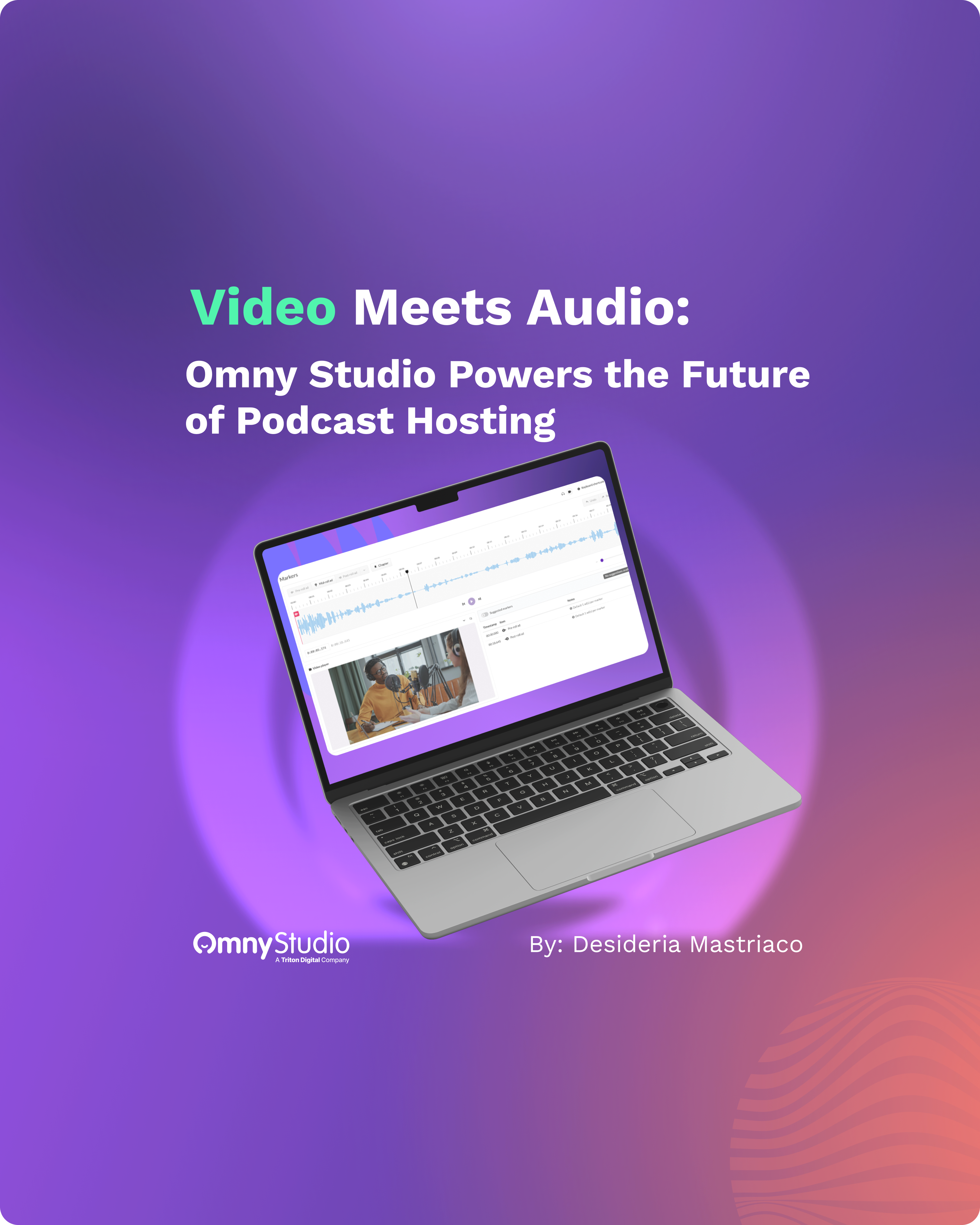
Video is now part of how audiences experience podcasts. Triton Digital's 2025 U.S. Podcast Report found that 80% of U.S. podcast consumers aged 18 and over both listen and watch. To help publishers keep up, Omny Studio supports video podcasts alongside audio, so you can create, manage, distribute, measure, and monetize both formats in one podcast hosting platform.
What Is Omny Studio?
Omny Studio is Triton Digital's enterprise podcast hosting platform for audio and video. Publishers and networks use it to host and manage multiple shows, publish Apple Podcasts-compliant RSS feeds, share episodes through customizable embed players, track downloads and followers, and monetize content with real-time ad insertion. Omny Studio podcast publishers range from individual networks to large broadcasters managing many shows and users from one place.
Video Podcasts in Omny Studio
Omny Studio is built on the open RSS standard, so publishers can upload, organize, and distribute video podcasts using the same workflow they already use for audio. Video episodes reach Apple Podcasts and other RSS-enabled players that support video, as well as enterprise-owned and operated apps.
"Video has become an important part of the podcast experience," said Hugo Martel, SVP, Podcast and Content Delivery at Triton Digital. "Our goal is to give creators and networks the flexibility to make and share content in the formats their audiences want, all in one platform that makes it easy to manage, deliver, and measure their work."

How to Make a Video Podcast With Omny Studio
Video podcast production does not need a separate workflow. Once your episode is recorded and edited, the steps in Omny Studio follow the same path as audio:
- Record and edit your episode. Capture video and audio together, then edit so the episode works for both viewers and listeners.
- Upload it to Omny Studio. Add the video file to your show, along with the title, description, and artwork. See the upload documentation for supported steps.
- Publish to your RSS feed. The episode goes out through your existing feed to video-capable podcast players and your own apps.
- Set up monetization. Use TAP to insert ads into video episodes so the new format earns revenue from the start.
- Measure the results. Compare audio and video downloads to see how your audience engages with each format.
Measure Audio and Video Side by Side
Omny Studio integrates with Triton Podcast Metrics, which shows total downloads for audio and video episodes side by side. That view helps publishers see how audiences engage with multi-format content and decide where to invest next.
Monetize Video and Audio Podcasts
Omny audio and video episodes can both carry ads. Omny Studio supports real-time ad insertion, and ads can be inserted into video episodes through the Triton Ad Platform (TAP). To learn how ad markers, targeting, and back-catalog insertion work, read Dynamic Ad Insertion (DAI): Tips to Monetize Your Content. To fill unsold inventory and reach more buyers, see the Guide to Programmatic Advertising on Podcasts.
What's Next: HLS Streaming
Triton has announced plans to add HLS (HTTP Live Streaming) support to Omny Studio. HLS Interstitials (HLSi), an enhancement to HLS, is designed to enable smooth video streaming and ad integration, more efficient ad insertion, and alignment with industry measurement standards.
Why Video Matters for the Podcast Industry
The podcast industry is moving toward formats that work for both watching and listening. In Canada, 51% of monthly podcast consumers both watch and listen, and YouTube is used by 40% of monthly listeners, according to Triton's Canadian Podcast Report (June 2026). Audio remains central to the podcast experience, and video brings new audiences into it. Handling both in one platform, from production through publishing, measurement, and monetization, reduces complexity and lets creators focus on the content.
Omny Studio FAQs
Does Omny Studio support video podcasts?
Yes. Omny Studio lets publishers upload, distribute, and monetize video podcasts on Apple Podcasts and any RSS-enabled video platform, using the same workflow as audio.
Is Omny Studio a podcast hosting platform?
Yes. Omny Studio is an enterprise podcast hosting platform from Triton Digital that handles hosting, RSS distribution, embed players, analytics, and monetization for audio and video podcasts.
How do I monetize a video podcast in Omny Studio?
Ads can be inserted into video episodes through the Triton Ad Platform (TAP), with both direct-sold and programmatic demand. Omny Studio also integrates with Triton Podcast Metrics, so you can measure audio and video downloads side by side.
Get Started With Video in Omny Studio
To start publishing video podcasts, read the Omny Studio documentation, or contact our team at solutions@tritondigital.com to learn more.
